Ragdoll Gladiator Arena Controls Guide
Every important input for physics combat across keyboard, touch, and controller.
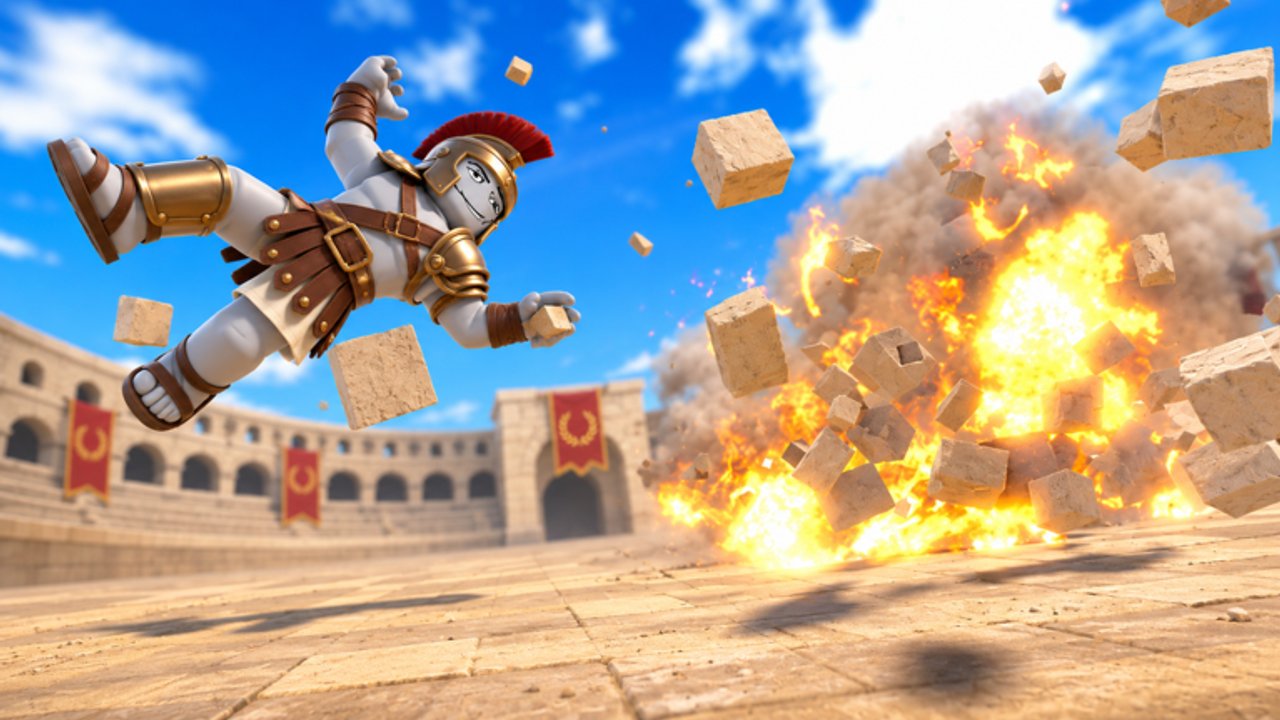
Controls make or break Ragdoll Gladiator Arena. Because hits use real physics, a mistimed click wastes a swing and leaves you open to a shield bash. This guide documents the practical input map for PC, mobile, tablet, and controller so you can focus on reads instead of hunting buttons mid-fight.
After you memorize the basics, return to getting started for session structure and combat tips for timing theory.
PC defaults
| Action | Typical input | Tip |
|---|---|---|
| Move | WASD | Strafe while charging heavy swings |
| Look | Mouse | Aim at the torso for stable ragdolls |
| Light punch / swing | Left click | Chain into combos |
| Heavy / haymaker | Hold click or dedicated heavy | Release on unblock windows |
| Grab / drag | Context key (often E / F / RMB variant) | Drag toward traps |
| Throw | Release grab with aim | Aim at spike pits or fire |
| Equip weapon | Hotbar / inventory UI | Keep S-tier melee on slot 1 |
| Camera mode | Settings toggle | First vs third person |
| Menu / codes | Esc or on-screen button | Needed for code redeem |
Exact labels can shift after patches — if a prompt on screen differs, trust the in-game hint and then update muscle memory.
Mobile and tablet
Touch layouts overlay virtual sticks and attack buttons. Recommendations:
- Play landscape for wider trap awareness
- Increase touch camera sensitivity slowly; high values cause over-aim
- Keep the grab button reachable with your thumb without covering the punch cluster
- Use shorter sessions; touch precision drops when your hands fatigue
If UI chrome hides the Codes button, collapse the overflow menu before redeeming from the codes hub.
Controller
Official materials list controller support. Bindings usually map:
- Left stick move, right stick camera
- Face buttons for light / confirm
- Triggers for charged swings or aiming throwables
- Bumper for weapon swap or grab
Calibrate dead zones if micro-drifts push you into fire. Revisit sensitivity after switching from mouse so boss telegraphs from the bosses guide stay readable.
Camera choice
First person improves swing accuracy and bow aim. Third person reveals swinging blades and spike walls behind you. Many veterans learn in third person, then switch to first person for god-power precision listed on the god powers tier list.
Combat-related UI
Learn these panels early:
- Weapon / power equip wheel
- Daily rewards
- Sandbox spawn tools (see sandbox mode)
- Slow-motion indicator for finishers
Mis-equipping a meme weapon mid-pack is a common cause of wipe — keep your weapon tier list main on a hotkey.
Accessibility and comfort
- Lower motion blur if ragdoll camera shakes make you dizzy
- Remap grab away from jump if you keep vaulting instead of clinching
- On laptop trackpads, plug in a mouse before practicing heavy timings
Practice drill (10 minutes)
- Spawn or find a single gladiator.
- Land ten light punches without moving forward blindly.
- Land five grabs into a throw toward a safe open area.
- Equip a spear and repeat with spacing.
- Only then add a trap throw.
This drill transfers directly into live clears and keeps you from leaning on scripts just to feel strong.
Troubleshooting inputs
| Problem | Fix |
|---|---|
| Clicks do nothing | Click game viewport; close Codes UI |
| Character spins | Check controller drift / sticky keys |
| Cannot grab | Face the target; wait for stun window |
| Wrong weapon out | Clear hotbar and re-equip from inventory |
Controls mastery is quiet power. Once inputs disappear from your thinking, the physics sandbox finally feels fair — and fun.
Frequently Asked Questions
Quick answers to the most common questions.
Can I remap keys?
Use Roblox and in-game settings where available. Prefer remaps that keep punch and grab on opposite fingers.
Why can’t I throw after grabbing?
You need a clear aim direction and enough stamina/window. Practice the release timing in Sandbox.
Is controller good for this game?
Yes for comfort. Mouse still wins for precise bow and power aim.
Where do I open codes on controller?
Highlight the Codes/Rewards button with the UI cursor, then paste or type the string.